
A PhilHealth membership is one of the standard documents typically asked for when starting a new job, as it provides access to healthcare benefits for you and your dependents.
If you’re applying for the first time, the process begins online.
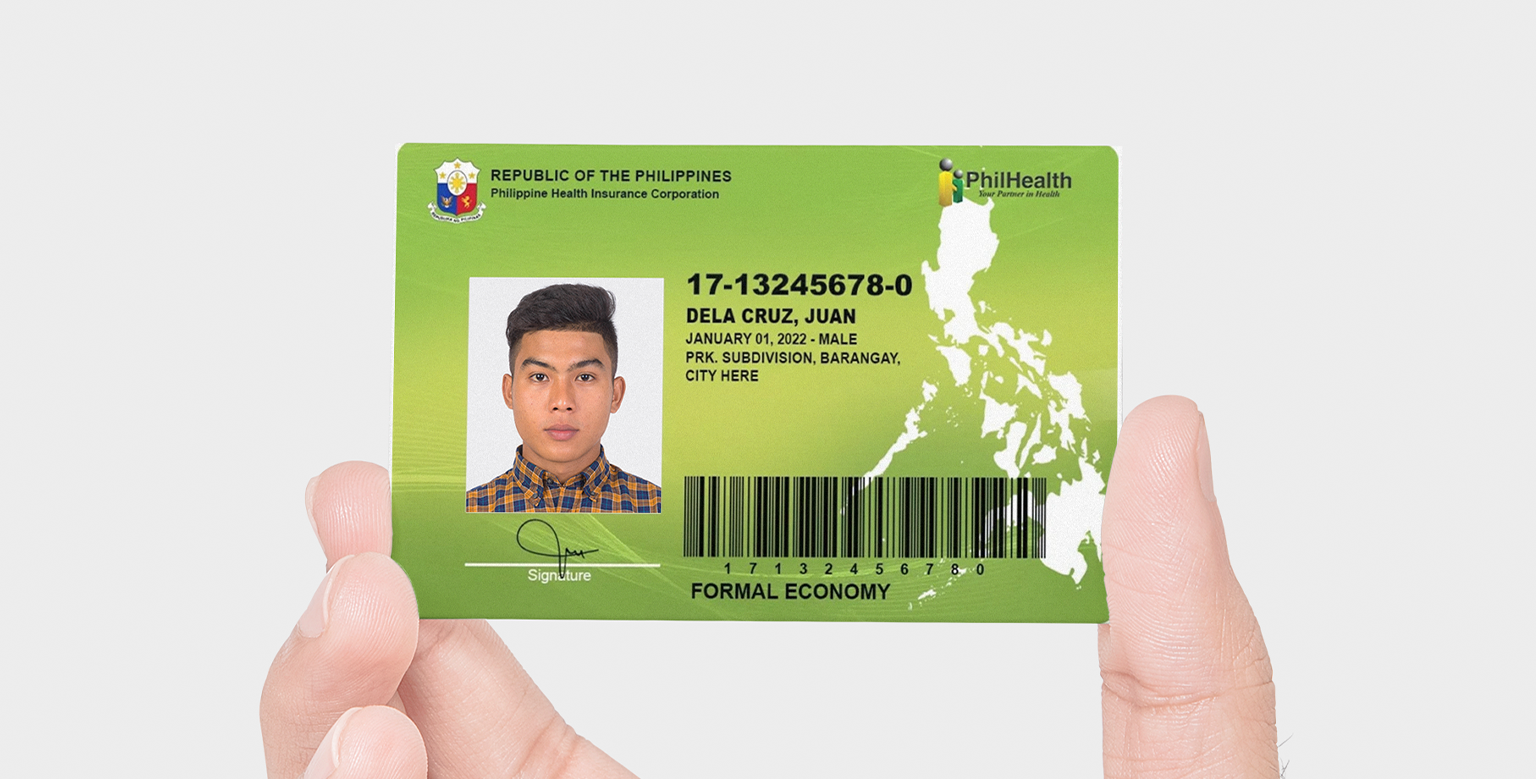
Photo: PhilHealth/WhenInManila
Here’s a step-by-step guide to help you get started:
How to apply for PhilHealth membership online
Head to the official PhilHealth website and click on Online Services. From there, access the Member Portal and select PhilHealth Member Registration.
You’ll be directed to the PIN Application page. Enter your email address and the captcha code, then click Proceed. Keep in mind that each email address can be used only once in this process.
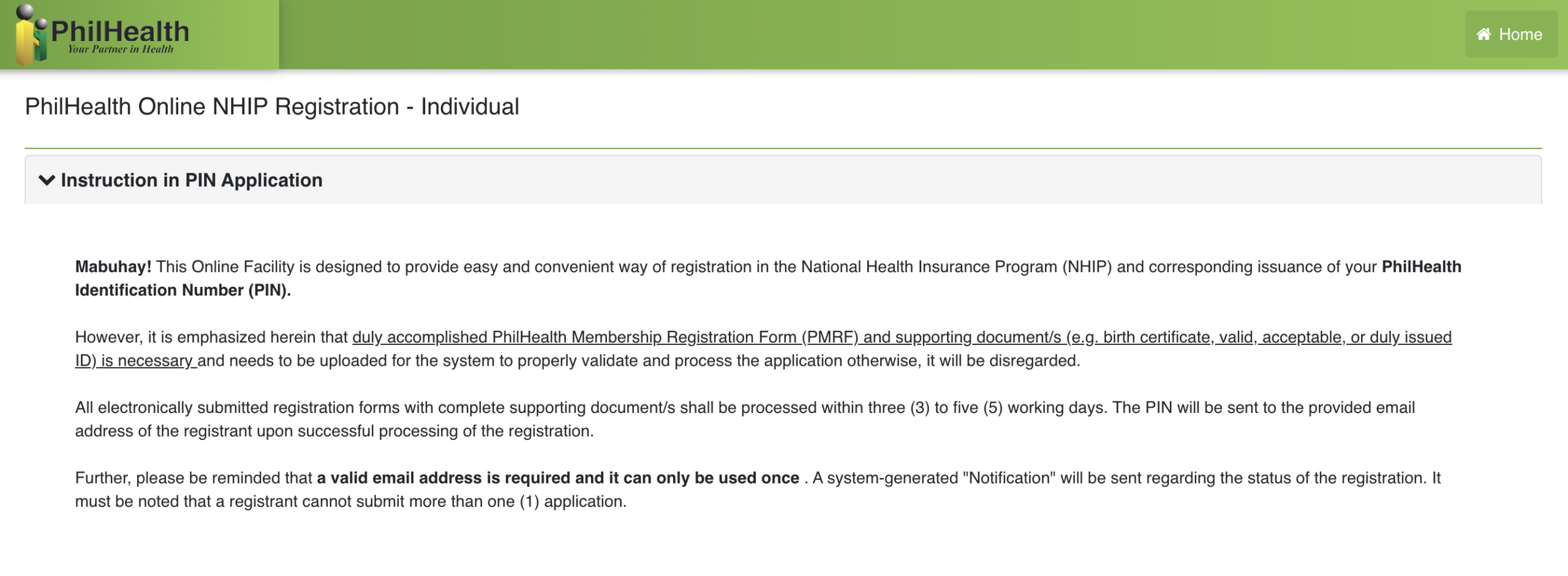
Photo: PhilHealth
After this, check your inbox for a message titled User PIN Application. It will contain a link to continue your registration.
On the terms and conditions page, you’ll need to upload a document that verifies your civil status, nationality, or student status (if applicable). Once done, tick the checkbox and click Agree and accept.
You’ll then be taken to the full registration form. Fill in the required details, including your membership category, profession, annual income, personal and contact information, preferred Konsulta provider, and any dependents.
Once completed, upload the necessary supporting documents. These may include a valid ID, proof of income, birth certificate, or marriage certificate.
When everything is complete, click Submit Your Registration and wait for verification. Updates will be sent via email, including your PhilHealth number, once your application is approved.
Getting your PhilHealth ID
View this post on Instagram
To get a physical ID, you can visit the nearest PhilHealth office and present your PhilHealth number along with basic details. Processing usually takes less than an hour.
Creating a Member Portal account
You may also create an online Member Portal account to view your records and contributions. Just enter your PhilHealth number along with your basic personal details, then set your password.
Accessing your PhilHealth digitally
Alternatively, the eGovPH app offers a digital version of your PhilHealth ID once your identity is verified. This can serve as a valid alternative to the physical card.
The app also provides access to the PhilHealth Member Portal and Transparency Portal, where you can check contributions, claims, and other records.
ALSO READ: Here’s Where You Can Apply for a Postal ID and Get It on the Same Day
What are your thoughts on this? Let us know in the comments.
Do you have a story for the WhenInManila.com Team? Email us at wheninmanila@gmail.com or send us a direct message at WhenInManila.com’s Facebook Page. Interact with the team and join the WhenInManila.com community at WIM Squad, and join our Viber group to stay updated with the latest around the Philippines and beyond!