
Starting your first job hunt often means preparing a handful of requirements—and one of the most commonly requested is the NBI Clearance. If you’ve never applied for one before, the process can feel a bit intimidating, especially with stories about long lines and waiting times.
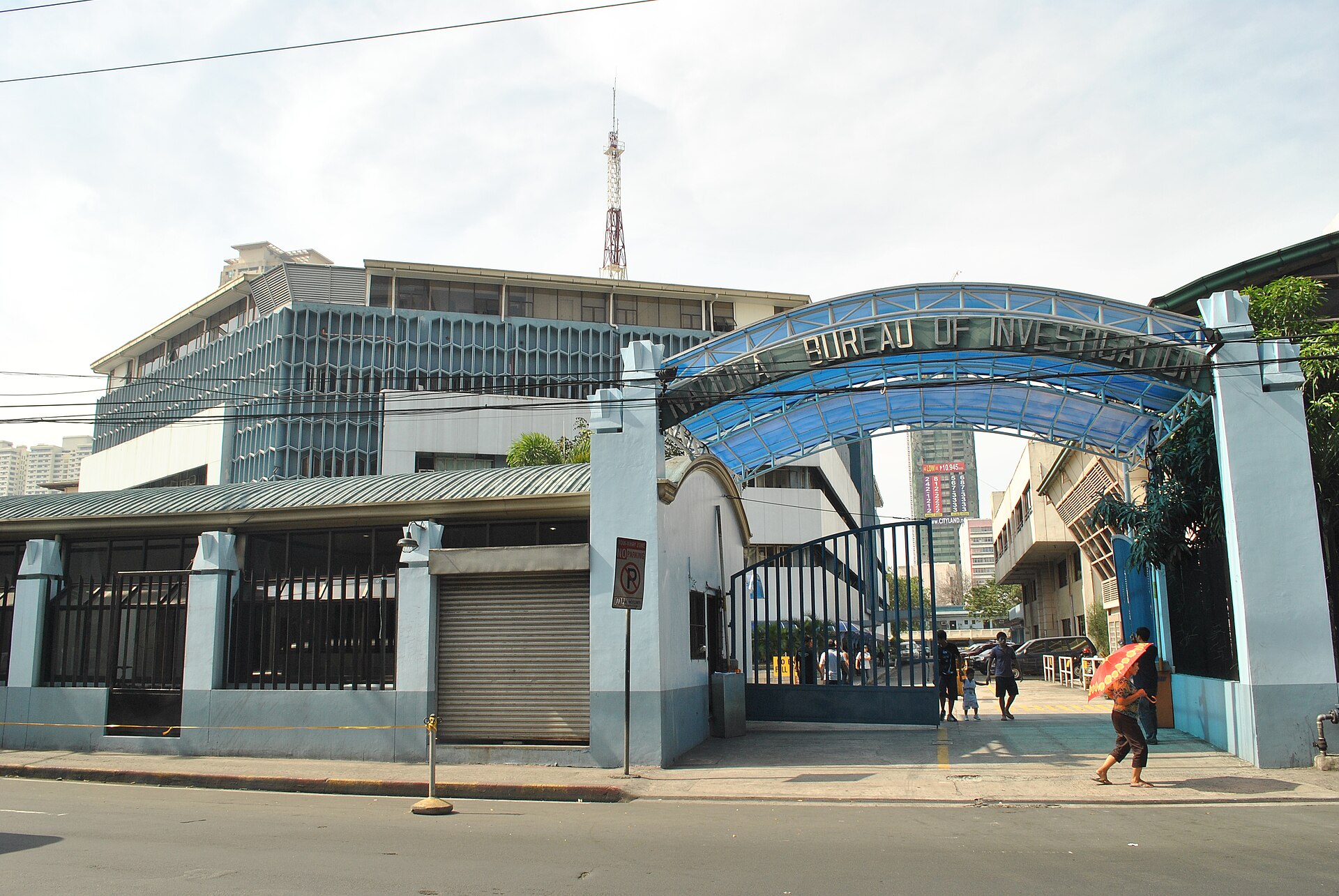
Photo: Mark Pedron/Wikipedia
Issued by the National Bureau of Investigation, the NBI Clearance serves as proof that an individual has no criminal record. Employers typically require this as part of their background checks, making it an essential document to secure early on.
The good news is that applying has become more accessible, with online options that reduce the time spent in line.
Here’s a guide to help you through it:
How to get an NBI Clearance online
The most common route is through the official NBI Clearance website at clearance.nbi.gov.ph. If you’re a first-time applicant, you will need to create an account by providing personal details, including your full name, birth date, civil status, mobile number, and email address. You’ll also be asked to set a password and agree to the terms of service.
After signing up, you’ll receive a one-time PIN on your phone and an activation link via email. Once your account is verified, you can log in and proceed with the application.
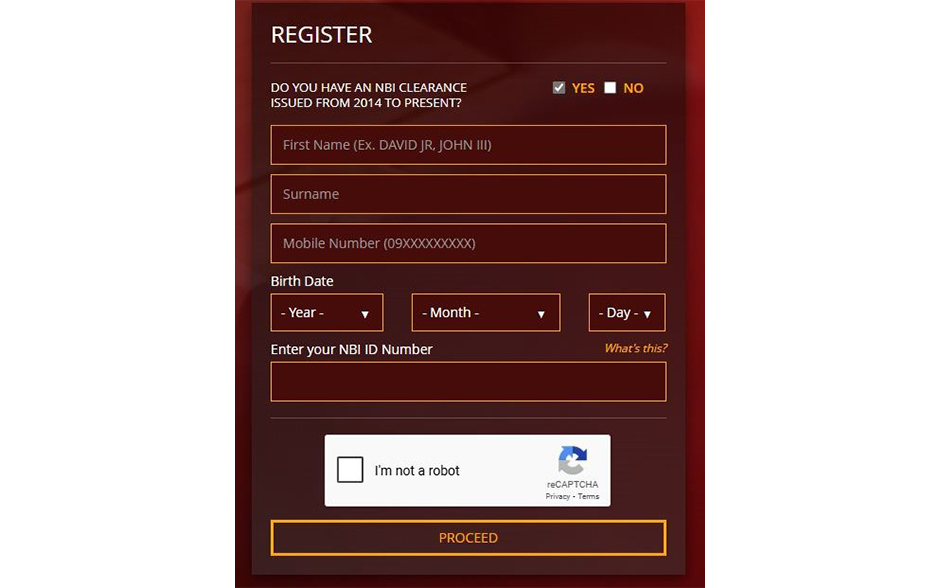
Photo: NBI
From there, review your information carefully before selecting Apply for Clearance (Appearance). You’ll then be prompted to schedule an appointment by choosing a date, time slot, and your preferred NBI branch. Keep in mind that slots are limited, so it helps to book ahead.
Payment comes next, with several options available, including over-the-counter transactions, bank transfers, and e-wallets. After completing the payment, a reference number will be generated. Make sure to save or take a screenshot of this, as you’ll need it during your appointment.
On your scheduled date, head to your chosen NBI branch for biometrics capture. This is where your photo, fingerprints, and other identifying details will be taken before your clearance is processed and released.
Applying for an NBI Clearance on the eGovPH app
For those who prefer another option, the government’s eGovPH app also allows users to apply for an NBI Clearance and receive a digital copy.
After downloading the app and setting up an account, navigate to the National Government Agencies section. From there, go to Certificates and IDs and select the NBI service. You’ll be asked to provide additional details, including emergency contacts, family information, and employment-related information.
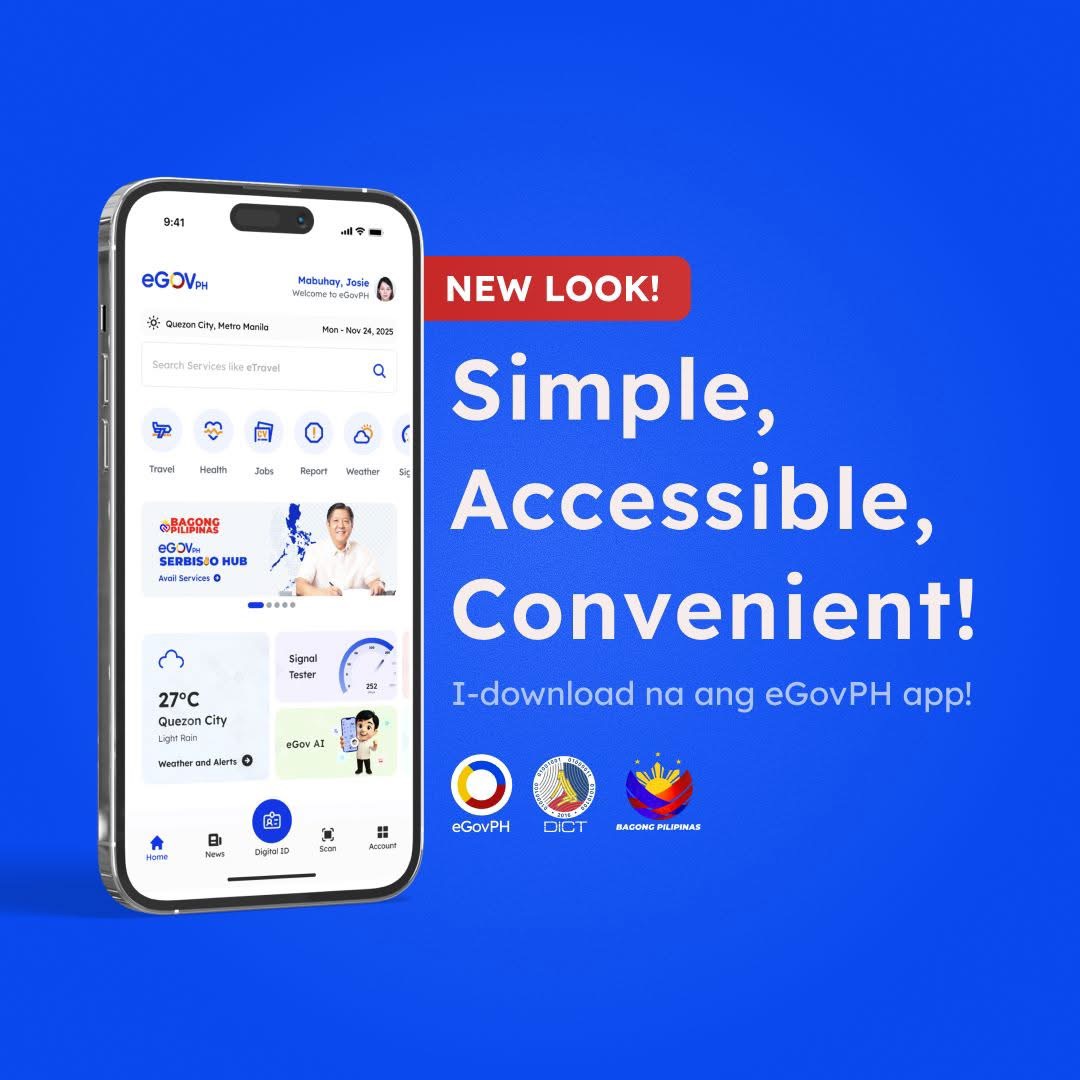
Photo: E Gov PH
Once submitted, you’ll receive a confirmation message via SMS when your digital NBI Clearance is ready. It will then appear in the app’s Digital ID section, where it can be accessed at any time. This digital version is considered just as valid as the printed one and can be presented to employers when required.
What to keep in mind
Even with online processing, it’s best to set aside enough time to complete the application, especially if you’re required to visit a branch. Demand tends to increase around graduation season, so earlier scheduling can help avoid delays.
ALSO READ: How to Apply and Renew for a Philippine Passport (2025 Edition)
What are your thoughts on this? Let us know in the comments.
Do you have a story for the WhenInManila.com Team? Email us at wheninmanila@gmail.com or send us a direct message at WhenInManila.com’s Facebook Page. Interact with the team and join the WhenInManila.com community at WIM Squad, and join our Viber group to stay updated with the latest around the Philippines and beyond!